What Is Wallpaper HD? A Free App Full of Curated 4K Backgrounds
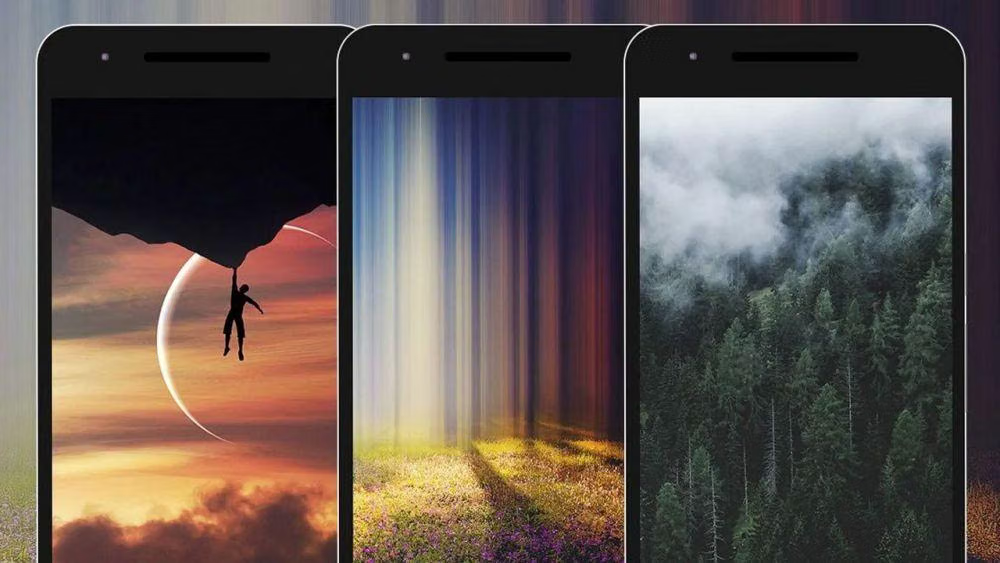
Scrolling through a stock photo site on a tiny phone screen, trying to find one image sharp enough not to look blurry once it’s stretched across a lock screen — that’s the exact chore Wallpaper HD exists to skip. Instead of hunting manually, the app hands you a curated library of high-resolution images, sorted and ready to apply in a couple of taps.
The concept stays deliberately simple. Rather than building an original photo library from scratch, Wallpaper HD pulls its entire collection through the Pexels API, crediting the original photographers behind every image. That choice keeps the content genuinely high quality and copyright-clean, since every photo already comes from a source built specifically for free, legal image use.
What Wallpaper HD Actually Does
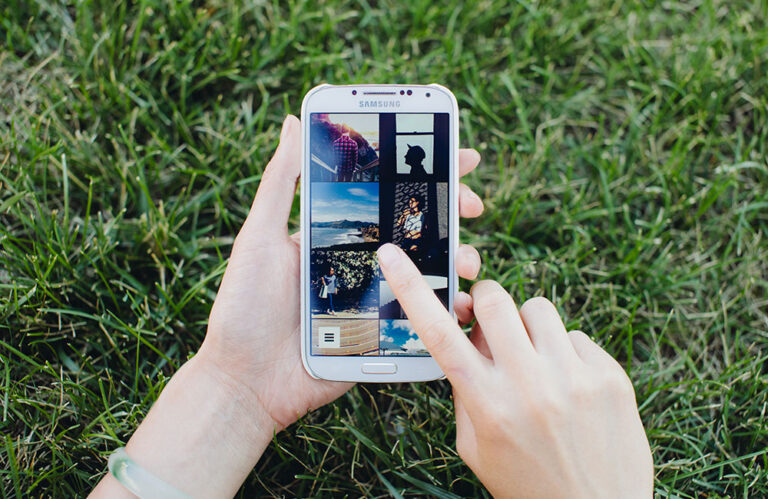
At its core, the app works as a browsing and application tool rather than an editor. Open it, scroll through categories like nature, abstract, animals, cities, minimalism, and quotes, tap something you like, and set it as your wallpaper. No account creation, no watermarks, no forced subscription just to unlock basic functionality.
Search sits alongside browsing for anyone who already knows what they want. Typing “mountains” or “dark abstract” pulls matching results instead of forcing a scroll through unrelated categories, which matters once a library grows into the thousands.
Tools Built Into the App
A handful of features cover everything the app actually does:
- Category browsing – nature, abstract, anime, cars, cities, minimalism, and quotes, among others, organized for quick scanning.
- Keyword search – find a specific style or subject instantly instead of scrolling through unrelated categories.
- Daily updates – fresh wallpapers get added regularly, so the library doesn’t go stale after the first week of use.
- Smart cropping and preview – see exactly how an image will look on your specific screen before committing to it, avoiding awkward crops on faces or important details.
- Favorites – save wallpapers you like without applying them immediately, useful for building a personal shortlist over time.
- Instant sharing – send a wallpaper straight to a friend without downloading and re-uploading it manually.
None of this requires digging through settings menus or confusing toggles — the entire app stays built around browse, preview, apply.
Why People Keep This Kind of App Installed
Simplicity explains most of the appeal. A default phone gallery app can technically set a wallpaper too, but it won’t curate anything or guarantee resolution quality, and searching Google Images for wallpapers usually means wading through low-resolution results, watermarks, or images cropped awkwardly for a completely different aspect ratio.
Cost matters just as much. Since the entire library comes free through the Pexels API rather than a paid stock photo license, there’s no subscription wall blocking basic access — a meaningful difference from wallpaper apps that gate their best content behind a premium tier.
The smart cropping feature solves a specific annoyance that trips up a lot of casual wallpaper hunters: an image that looks perfect on a laptop screen often gets awkwardly cut off once it’s forced onto a taller phone display. Previewing the crop before applying it avoids that mismatch entirely.
Who Should Use Wallpaper HD
- Anyone who wants a quick, no-fuss way to refresh their lock screen or home screen regularly
- People who care about resolution quality and don’t want blurry, stretched images
- Users who prefer browsing curated categories over manually searching stock photo sites
- Anyone who wants a genuinely free wallpaper app without a paywall hiding the best content
- Parents looking for an app that’s safe for kids, since it collects no personal information
How to Download and Set Your Wallpaper
- Download the app from Google Play — it’s completely free with no account required.
- Browse categories or use the search bar if you already have something specific in mind.
- Tap an image you like to open the full preview.
- Adjust the crop if needed, checking how it’ll actually look on your home screen and lock screen.
- Apply the wallpaper directly from the preview screen — most phones support setting home and lock screen separately.
- Save favorites for images you like but aren’t ready to apply yet.
- Check back regularly, since new wallpapers get added daily.
Most people find something they like within their first two or three minutes of browsing, especially once they narrow things down by category or search term.
Final Thoughts
Wallpaper HD doesn’t try to reinvent what a wallpaper app should do — it just removes the friction around finding something good. Curated categories, honest resolution quality, and a completely free model built on properly credited Pexels photography make it a solid, no-nonsense pick for anyone who wants their phone to look better without spending twenty minutes hunting for the right image.
Download: https://play.google.com/store/apps/details?id=com.solutionconquer.wallpaperhd