
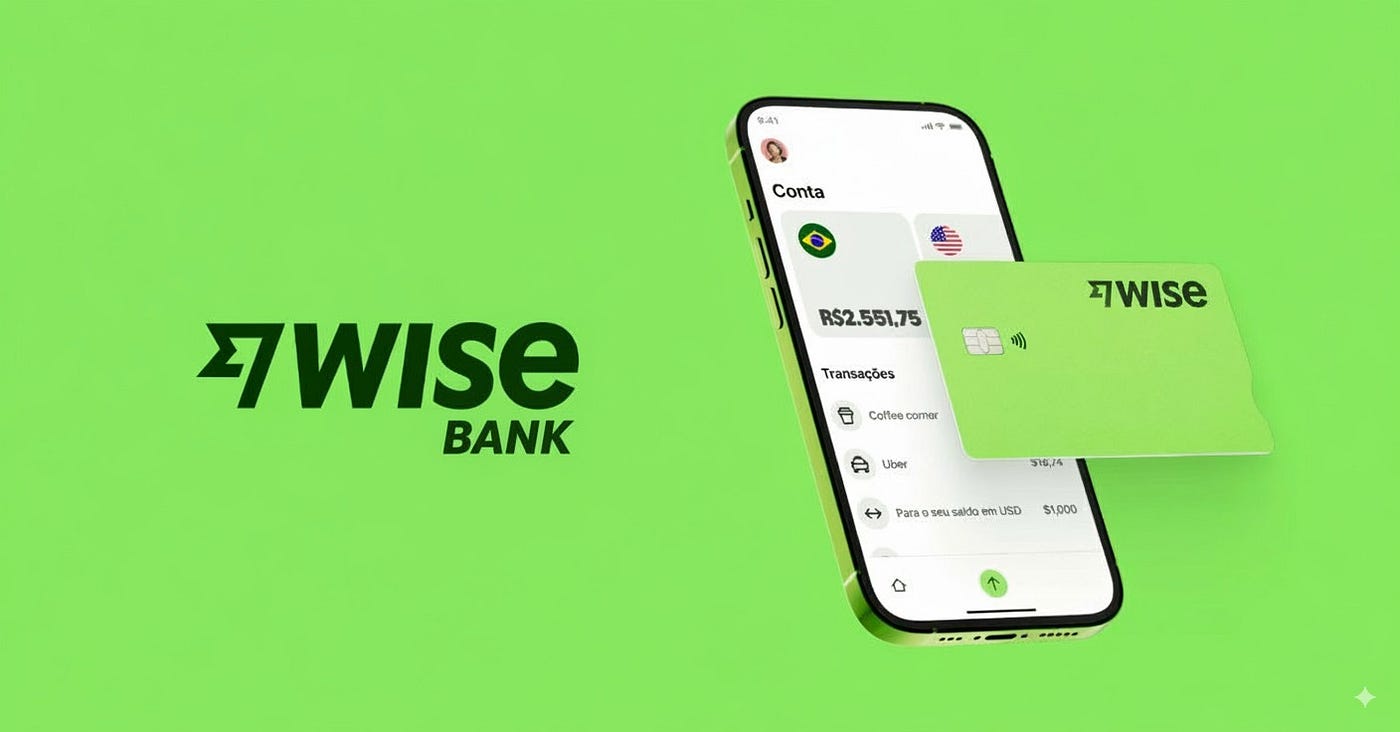
What Is Wise? The App Sending Money at the Real Exchange Rate
Banks make international transfers look free by burying the real cost inside the exchange rate itself. Quote you a rate that’s 3-4% worse than what Google shows, and the fee never has to appear on a receipt. Wise built its entire business around exposing that trick. Founded in 2011 as TransferWise, the company picked a simple fight: use the actual mid-market rate, charge a clear fee on top, and let people see exactly what they’re paying.
That approach paid off. Wise now serves more than 16 million customers across upwards of 160 countries, moving roughly £12 billion a month for individuals, freelancers, and businesses who got tired of losing money to a rate they never fully understood.

What Wise Actually Does
At its core, Wise moves money across borders using the mid-market exchange rate — the same one you’d find searching “USD to EUR” on Google — instead of a bank’s inflated version. A transparent fee, generally somewhere between 0.33% and 2% depending on the currency pair and payment method, replaces the hidden markup. Most transfers move quickly: Wise reports that a majority arrive in under 20 seconds, and the vast majority land within a day.
Beyond simple transfers, Wise operates a multi-currency account that holds balances in more than 40 currencies at once. That single account can carry local bank details for the US, UK, EU, Australia, and several other regions, so a freelancer working with clients in different countries doesn’t need five separate local bank accounts just to get paid without extra fees.
Tools Built Into the App
A handful of features cover most of what people actually use Wise for:
- Multi-currency account – hold and convert balances across 40+ currencies from one account instead of juggling multiple bank relationships.
- Local account details – get a UK sort code, a European IBAN, an Australian account number, and more, so clients or employers abroad can pay you like a local.
- Wise debit card – spend or withdraw cash in over 150 countries, with automatic conversion at the mid-market rate when you don’t hold the local currency.
- Rate alerts – set a target exchange rate and get notified when the market hits it, useful for timing a larger transfer.
- Rate lock – guarantee a specific rate for up to 24-48 hours, protecting a transfer if the market shifts before you send.
- Recurring transfers – automate repeat payments, handy for rent, payroll, or any regular international payment.
- Batch payments – available on business accounts, letting a company pay multiple recipients in different currencies through one submission instead of individual transfers.
Two-factor authentication and biometric login run underneath all of this, and Wise keeps customer funds in accounts segregated from its own operating funds — a regulatory requirement, not just a marketing point.
Why People Choose It
Cost transparency remains the single biggest reason people switch. On a $5,000 transfer, a bank’s typical 3% markup alone runs about $150 — more than Wise’s entire fee for that same amount in most corridors. Multiply that gap across regular transfers, whether it’s supporting family abroad or paying overseas contractors, and the savings add up fast.
The multi-currency account solves a separate, quieter problem: getting paid internationally without absorbing conversion losses on every incoming payment. Freelancers and remote workers use this constantly, since a client’s ACH or SEPA transfer lands directly in the matching currency balance rather than getting auto-converted at an unfavorable rate the moment it arrives.
Speed matters too, particularly for anyone who’s waited three to five business days for a traditional wire transfer to clear. Wise’s infrastructure moves money locally on each end rather than routing through slow correspondent banking chains, which is part of why so many transfers complete in minutes instead of days.
Who Should Use Wise
- Freelancers and remote workers getting paid by international clients in different currencies
- Expats and immigrants sending regular support payments back home
- Small businesses paying overseas vendors, contractors, or employees
- Frequent travelers who want to spend abroad without card markup fees
- Anyone tired of a bank quietly padding the exchange rate on every transfer
Wise isn’t built for everyday domestic banking — there’s no FDIC-insured savings account through Wise directly, since it operates as a licensed money services business rather than a bank, so most users pair it alongside a regular bank account rather than replacing one entirely.
How to Get Started With Wise
- Download the app from the App Store or Google Play, or sign up at wise.com.
- Verify your identity — a photo ID is usually enough, though larger transfers or certain currencies may need extra verification.
- Open a multi-currency account if you plan to hold or receive money in multiple currencies, not just send one-off transfers.
- Enter the transfer details — amount, currency, and recipient’s bank information.
- Choose your payment method — bank transfer, debit card, credit card, or an existing account balance.
- Review the rate and fee before confirming; Wise shows both clearly rather than folding the fee into the exchange rate.
- Track the transfer in the app, and set up rate alerts or recurring transfers for anything you’ll repeat regularly.
Most first-time transfers complete within minutes once verification clears, though first-time senders to a new currency corridor sometimes see slightly longer processing while Wise runs standard checks.
Final Thoughts
Wise built its reputation on a fairly simple insight: people don’t mind paying a fee, they mind not knowing what they’re actually paying. Between the mid-market rate, the multi-currency account, and local bank details in a handful of major currencies, the app removes a specific kind of friction that traditional banks never bothered fixing. For anyone regularly moving money across borders, that transparency alone tends to justify switching.